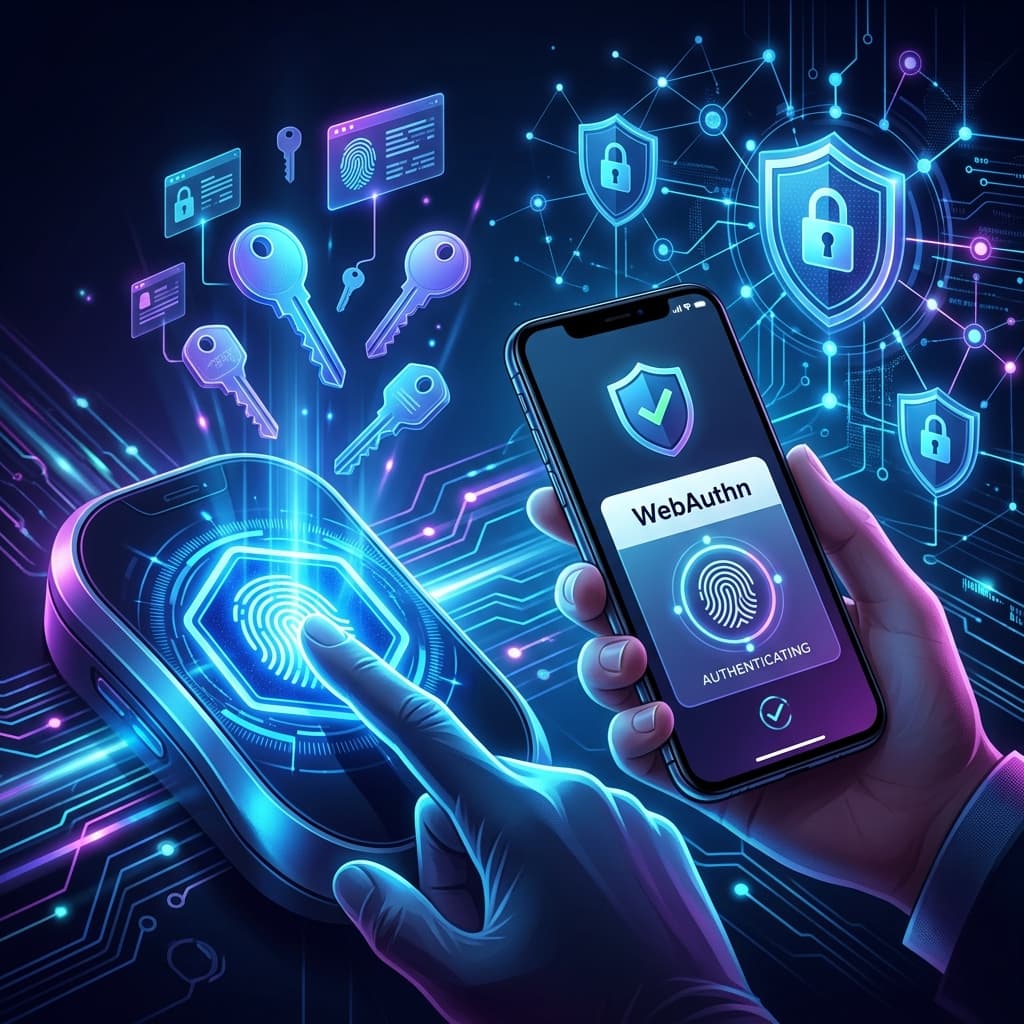
Modern Security Standards

Ultimate Secure Password Generator

Create strong, uncrackable passwords to keep your accounts safe. 100% free, secure, and runs entirely in your browser.

Generate Password
Create strong, secure passwords instantly

StrengthVery Weak
16
100% Client-Side Private

Why Use SecureGen?

Bank-Grade Security

Uses cryptographically strong random number generation for maximum entropy and safety.

100% Private

Passwords are generated locally in your browser. Nothing is ever sent to or stored on our servers.

Instant & Easy

One-click generation and customization to meet any website requirements instantly.

100% Private: Your Data Stays Local

SecureGen generates every password via client-side cryptographic APIs (Web Crypto API). That means no data is sent to a server, no logs are stored, and your generated text never leaves your device.

Local GenerationAll random bytes are created locally with secure entropy sources.
Zero TrackingNo tracking on generated values or telemetry data collection.

Open-source & Transparent Architecture

What Is a Password Generator?

A password generator creates strong, random passwords automatically. It helps you avoid weak patterns and common guessing techniques used by attackers. SecureGen generates values entirely on your device, ensuring maximum confidentiality.

Why Strong Passwords Matter

Weak passwords are the single most common cause of identity theft. A secure password must be long, unique, and irregular to withstand brute-force attacks and credential stuffing across modern digital services.

Password Security FAQ

Can I use SecureGen for all my accounts?

Yes. Use unique passwords for each service. SecureGen makes it easy to create different keys for every platform.

Do you store my generated passwords?

Never. SecureGen is architected as a zero-knowledge service. Values are cleared the moment the window closes.

What is password entropy?

Entropy measures randomness. Higher entropy means a password is harder to crack. SecureGen maximizes entropy automatically.

How often should I update passwords?

Update critical passwords every 6-12 months, or immediately after any major security breach notification.

Knowledge Base

Stay Protected

Deep dives into cryptography, privacy standards, and online hygiene.

Explore Full Blog